Structured composition, elevated
Compose the Shot.
On iPhone, analyze your reference, layer scenes, models, products, and effects, set focus and mood, then render a composed frame. Deliberate composition, not chaotic prompting.
No subscription needed. Built for iPhone. 10,000 points included when you install.





How it works
From reference to finished visuals
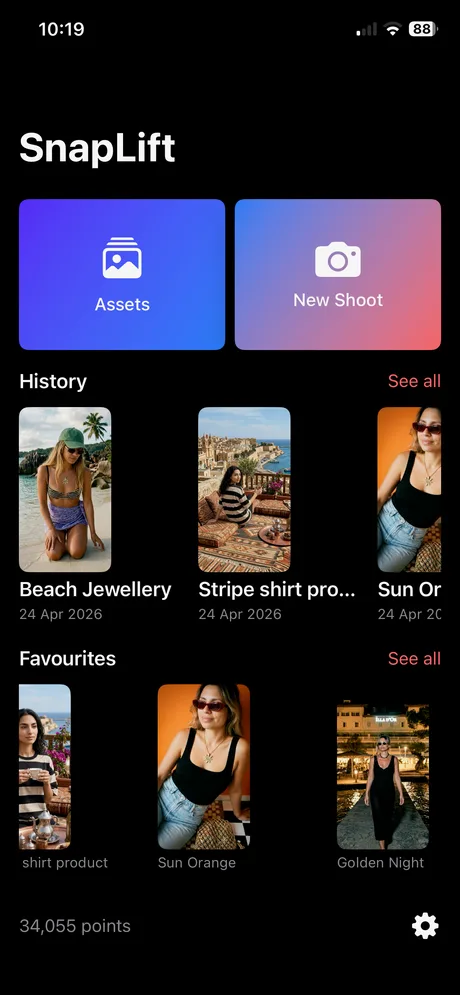
SnapLift turns chaotic prompting into intentional composition. Structure the shot, then render and refine with control.
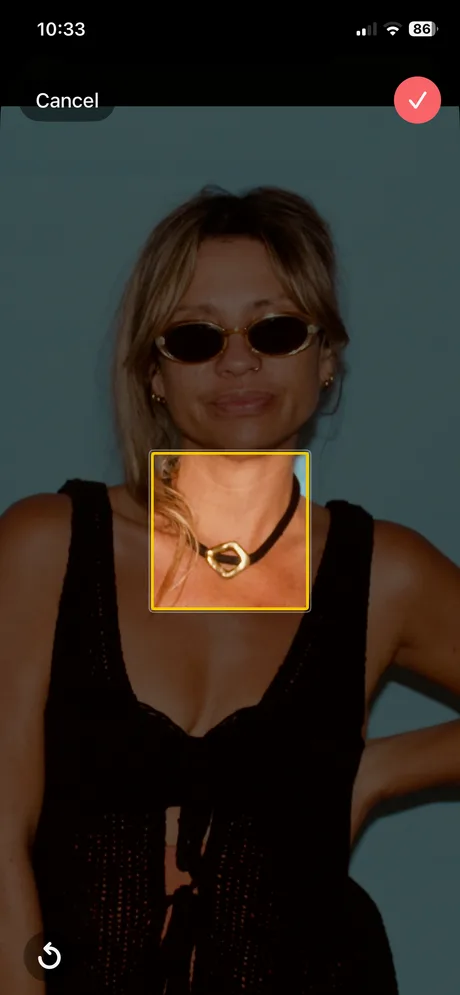
Analyze your reference
Your initial photo is analyzed to surface what’s in the scene. Choose primary and secondary emphasis and optional mood so every render follows your intent.
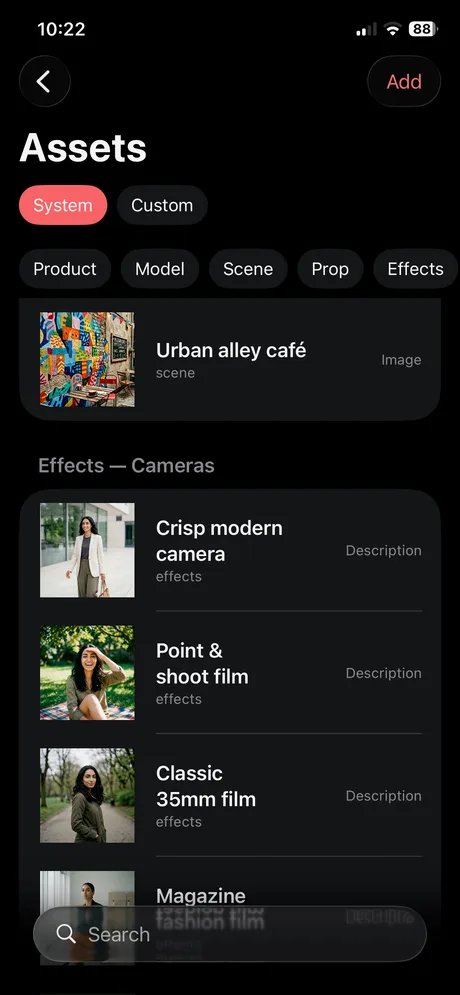
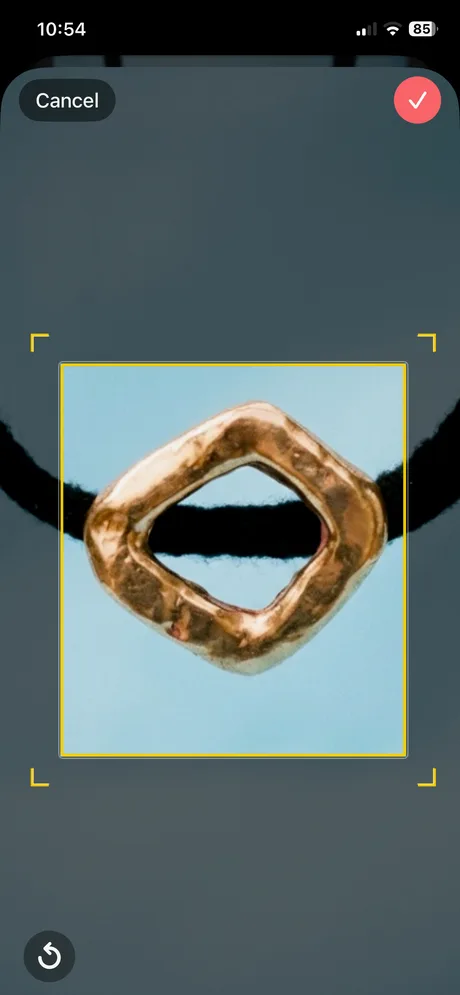
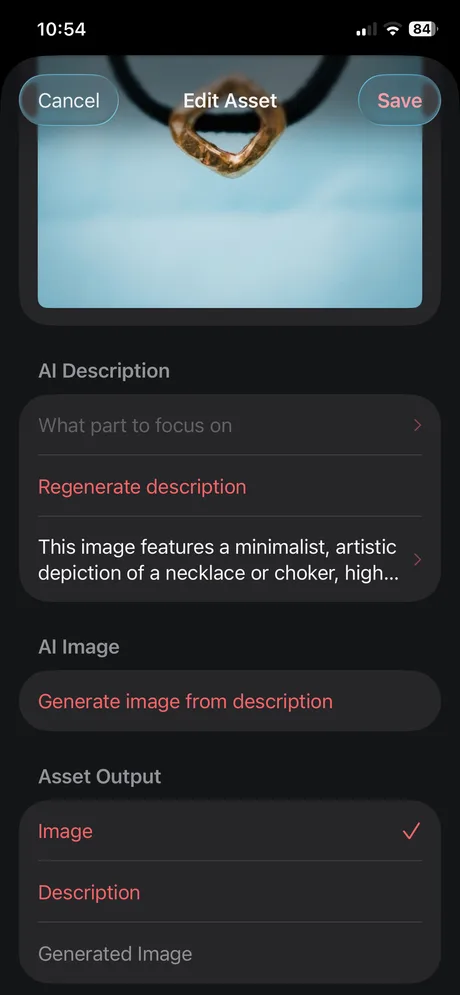
Add composition assets
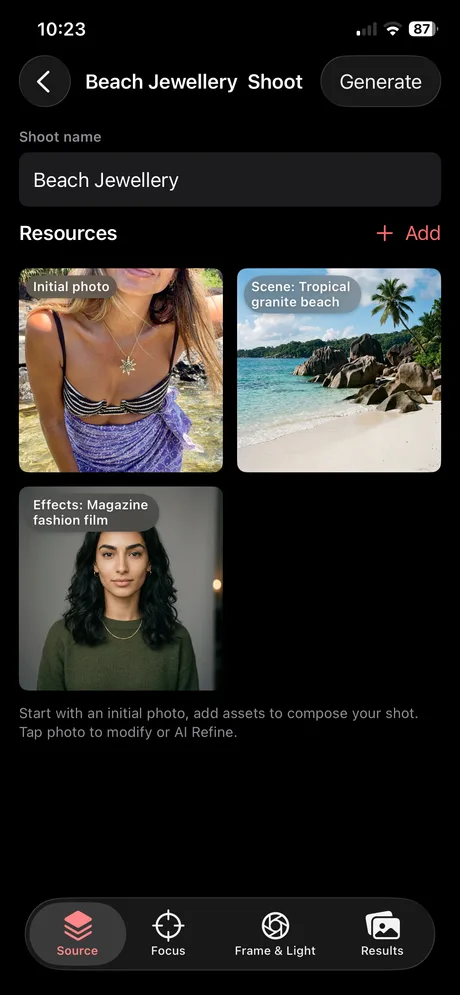
Layer products, scenes, models, and effects you reuse across shoots, consistent campaigns without starting from scratch.
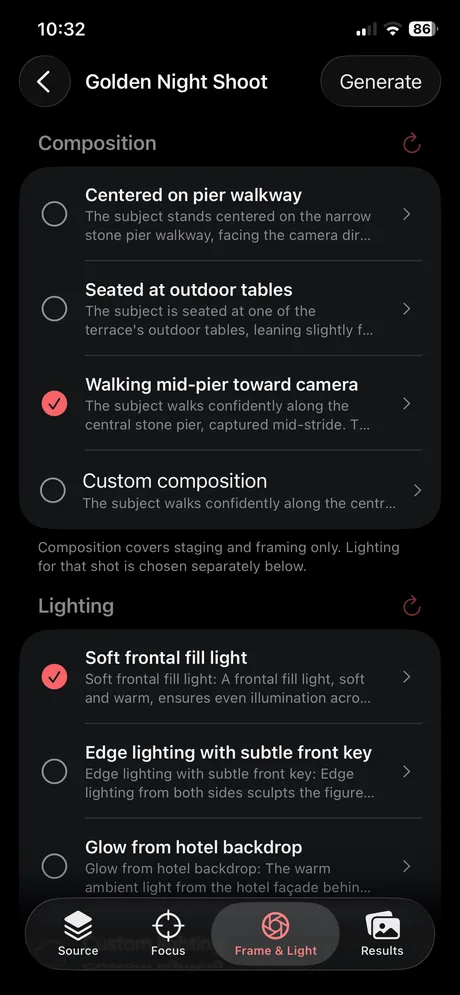
Set direction
Set primary and secondary focus, add creative notes, then choose guided composition and lighting directions suggested from your reference. SnapLift turns those choices into a structured request so the render matches your source and intent.
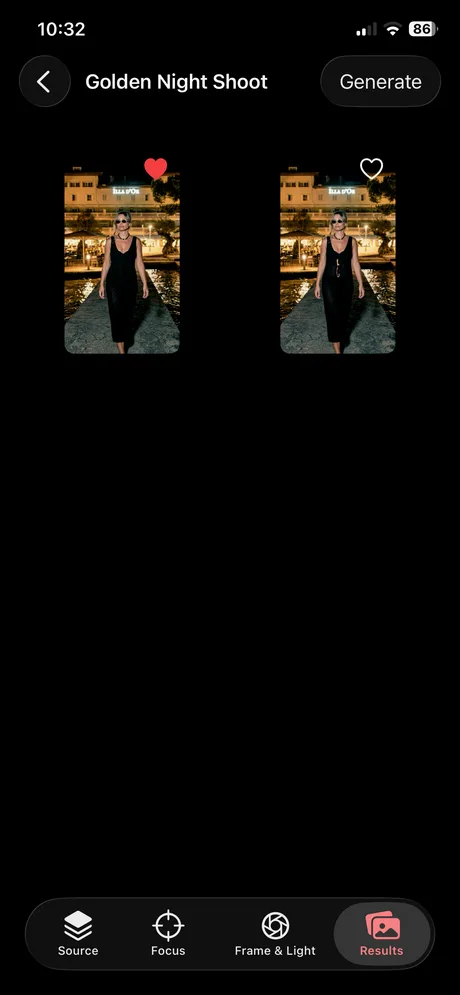
Render & refine
Generate, compare, and refine until the visual is ready to ship.
Workflow
See a shoot from start to finish
Real examples showing how SnapLift takes a reference image through analysis, assets, direction, rendering, and refinement. Each tab starts with the sources that fed that render, then the in-app flow for the same story.



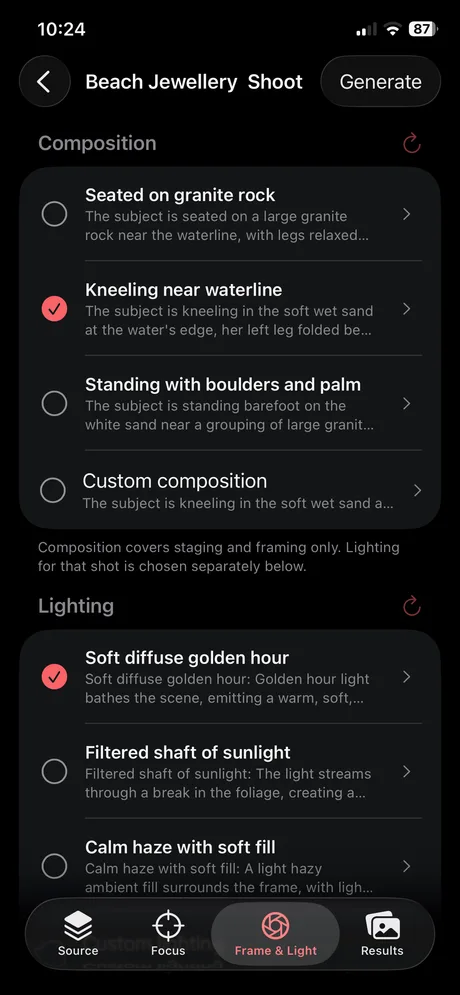





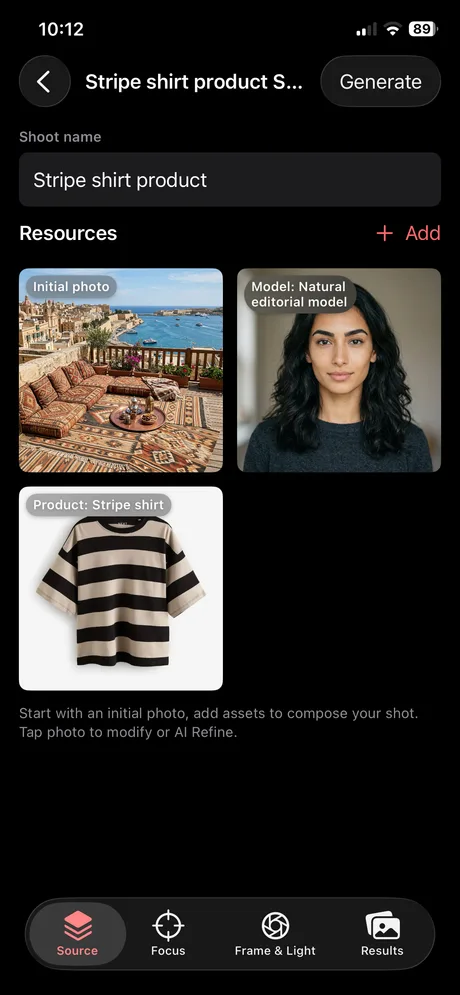
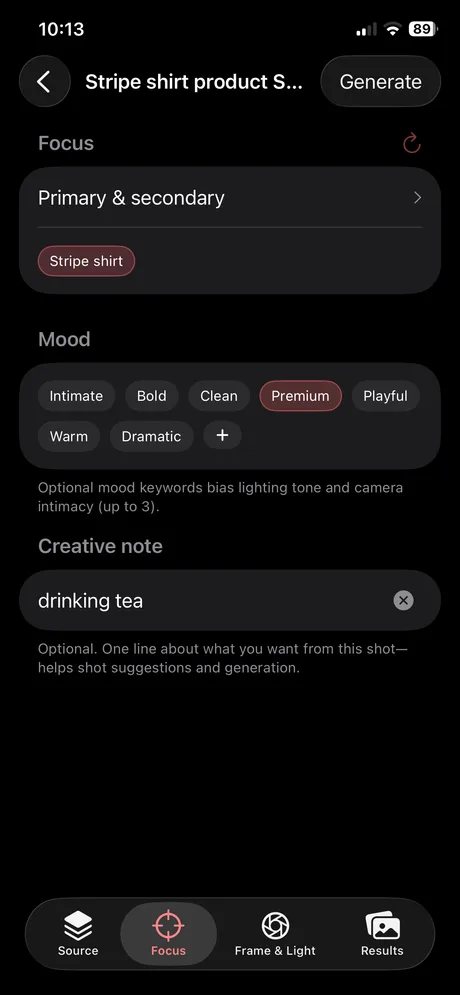
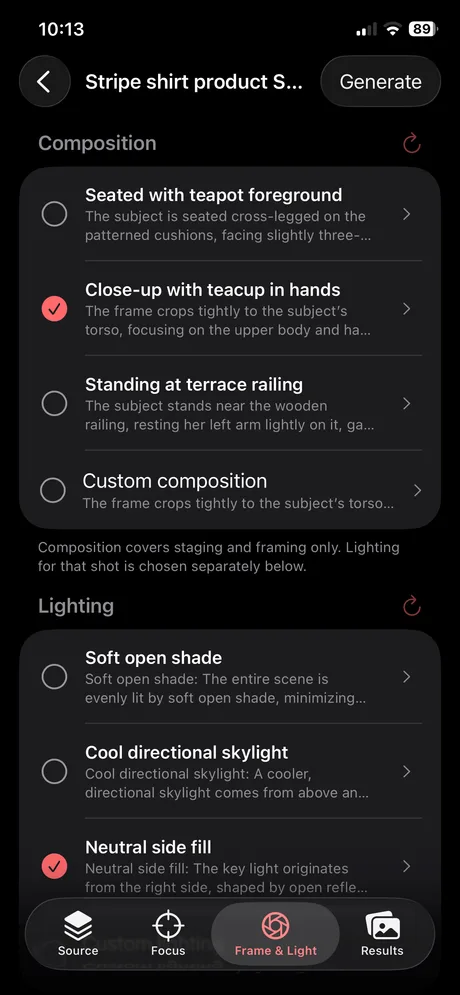
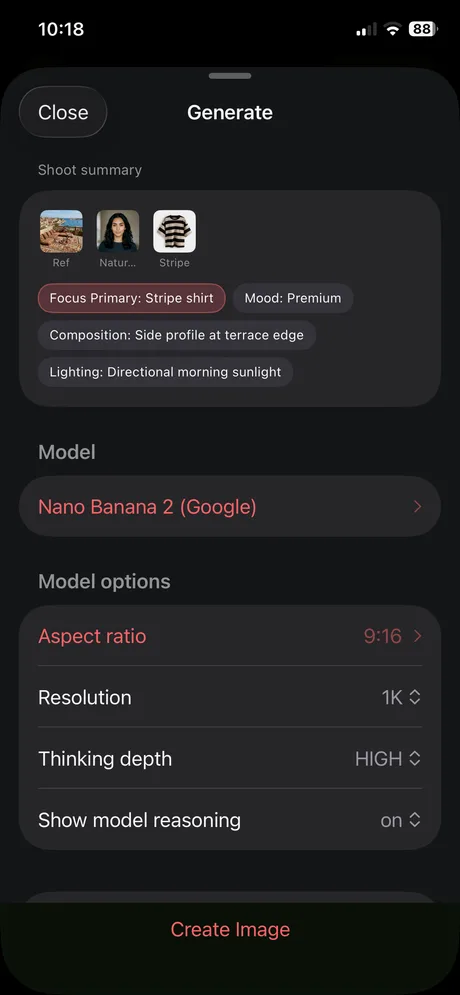
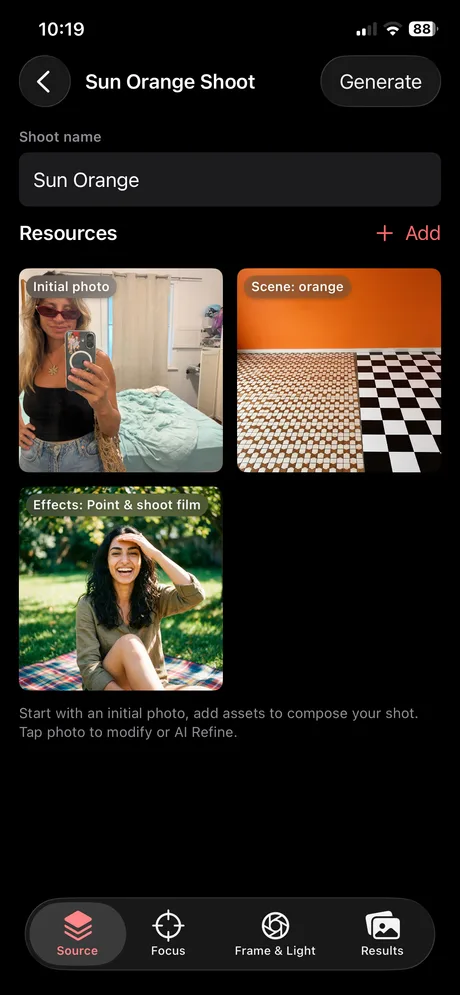


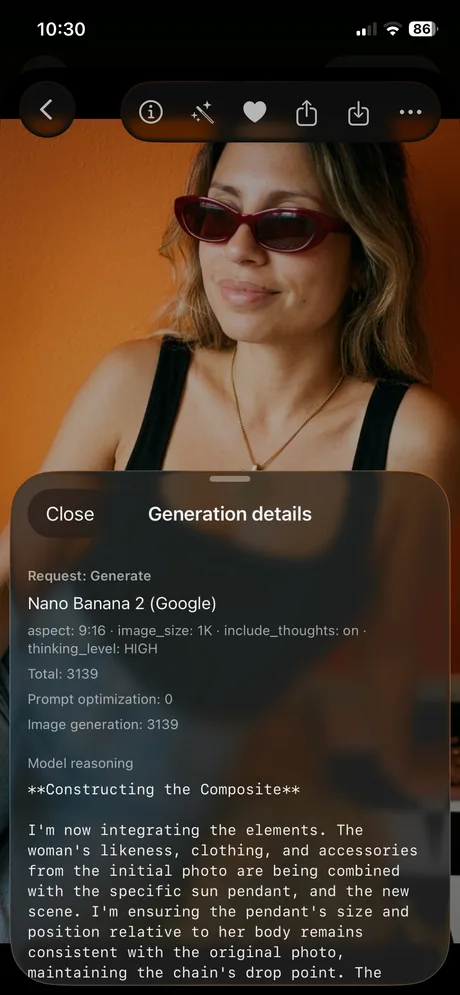



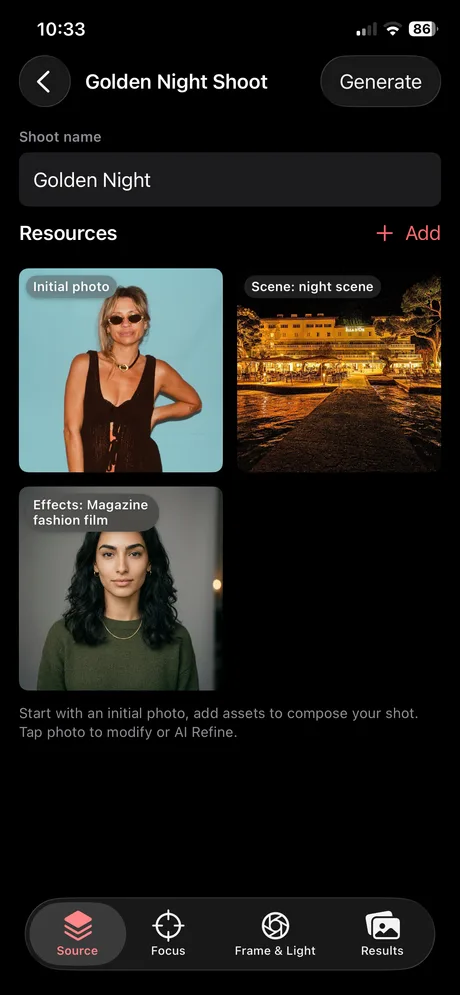
Features
Guided composition, not guesswork
Start from a reference, set focus priority, then choose guided composition and lighting directions. SnapLift turns those choices into a structured request for consistent renders.
Focus-first rendering
Your subject hierarchy drives the frame: what must be sharp, what supports, what stays out. Composition and lighting are steered to reinforce that story, not fight it.
Reusable asset library
Create and reuse scenes, models, products, and effects across shoots to keep campaigns consistent and fast.
Creative notes & guardrails
Add creative notes that guide the render, what to emphasize, what to avoid, and what must stay consistent, without turning your workflow into a brittle rule set.
Guided composition & lighting
Choose what matters (primary/secondary focus), then pick from composition and lighting directions suggested from your reference. SnapLift builds a structured request so the final render matches your source and intent.
Refine renders
Make controlled improvements to a generated image without resetting the whole composition.
Multi-input workflow
Reference image, assets, focus, mood, and directives in one workflow. Deliberate composition, no more chaotic prompting.
Asset management
Reusable assets across every shoot
Build a library on your iPhone: scenes, products, models, and effects. Reuse them in every shoot.
Get started
Get started, no subscription needed
Download SnapLift on iPhone and start composing. No account, no credit card.
- Start instantly Install on your iPhone and start composing. No sign-up required.
- Full workflow Render, compare, and refine so you can judge the product on real output.
- Built for consistency Reuse assets and direction for a consistent look across shots.
What is SnapLift?
SnapLift is a composition studio for iPhone. It builds finished visuals from structured inputs, a structured prompt pipeline, and deliberate composition, not random generation.
Do I need an account?
No. You can explore the full workflow without creating an account.
Is SnapLift just prompting?
No. SnapLift is structure first: assets, focus, mood, directives, and constraints guide composition; suggested shot options and the prompt pipeline handle the rest. Deliberate composition, not chaotic prompting.
How do points work?
Points are credits used when the AI models run a render or refine for you. Usage depends on the step. New users get 10,000 points; subscribe for more when you run low. They are not a timed trial.